Notebook Sessions Are Now Completely Free
Explore and experiment freely in Bifrost notebooks - your credits now go entirely to rendering.
Notebook sessions are now completely free.
Building a good synthetic dataset means iterating: placing assets, tuning sensors, adjusting weather, checking the output, and going again. That exploration shouldn't come with a meter running.
Here's why we made the change:
- We want the platform to be as accessible and developer-friendly as possible
- We want you to explore and experiment freely, without worrying about credit burn
Your credits are now fully reserved for rendering - the part that actually produces your data.
What's New
- Notebook sessions cost nothing. Open a notebook, build scenes, and iterate as long as you need
- Credits only apply to renders
- Online renders now cover the first 10 frames of your scenario - built for quick scene validation
- Offline renders handle full dataset generation, up to 1,000 frames per job
One mental model: test online, generate offline
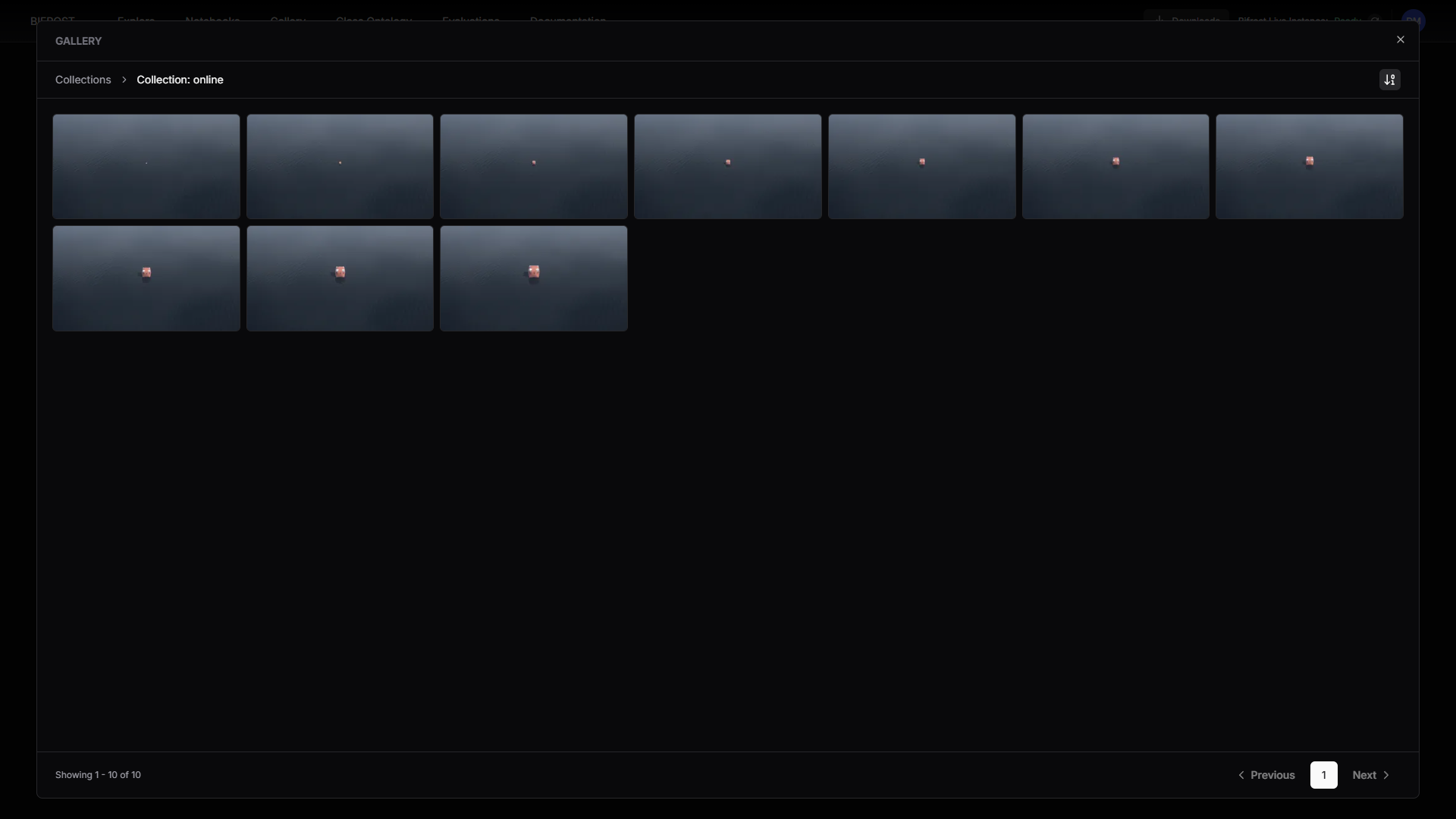
Bifrost has 2 render modes with different purposes:
Online - run the cell directly in the notebook. Instant renders on a live instance, limited to the first 10 frames of your scenario. Ideal for testing your scene setup: camera placement, asset positions, lighting, sensor config. See the result, tweak, rerun.
Offline - send the job with the render button. Dispatched to a queue, more stable, with built-in retries. Best for generating full datasets, up to 1,000 frames per job.
Online renders were always meant for quick scene validation, not full dataset generation - the 10-frame limit makes that split explicit. Validate your scenario online in seconds, then dispatch the full job offline and let the queue do the work.
What this means for your workflow
Prototype without hesitation. Spin up a notebook, try 5 scene variations, validate each one with a 10-frame online render - all free. When the scene looks right, send it offline and spend your credits where they count: on the dataset itself.
Start exploring
Free sessions are live for all users now. Open a notebook and start building.
New to Bifrost? Get in touch